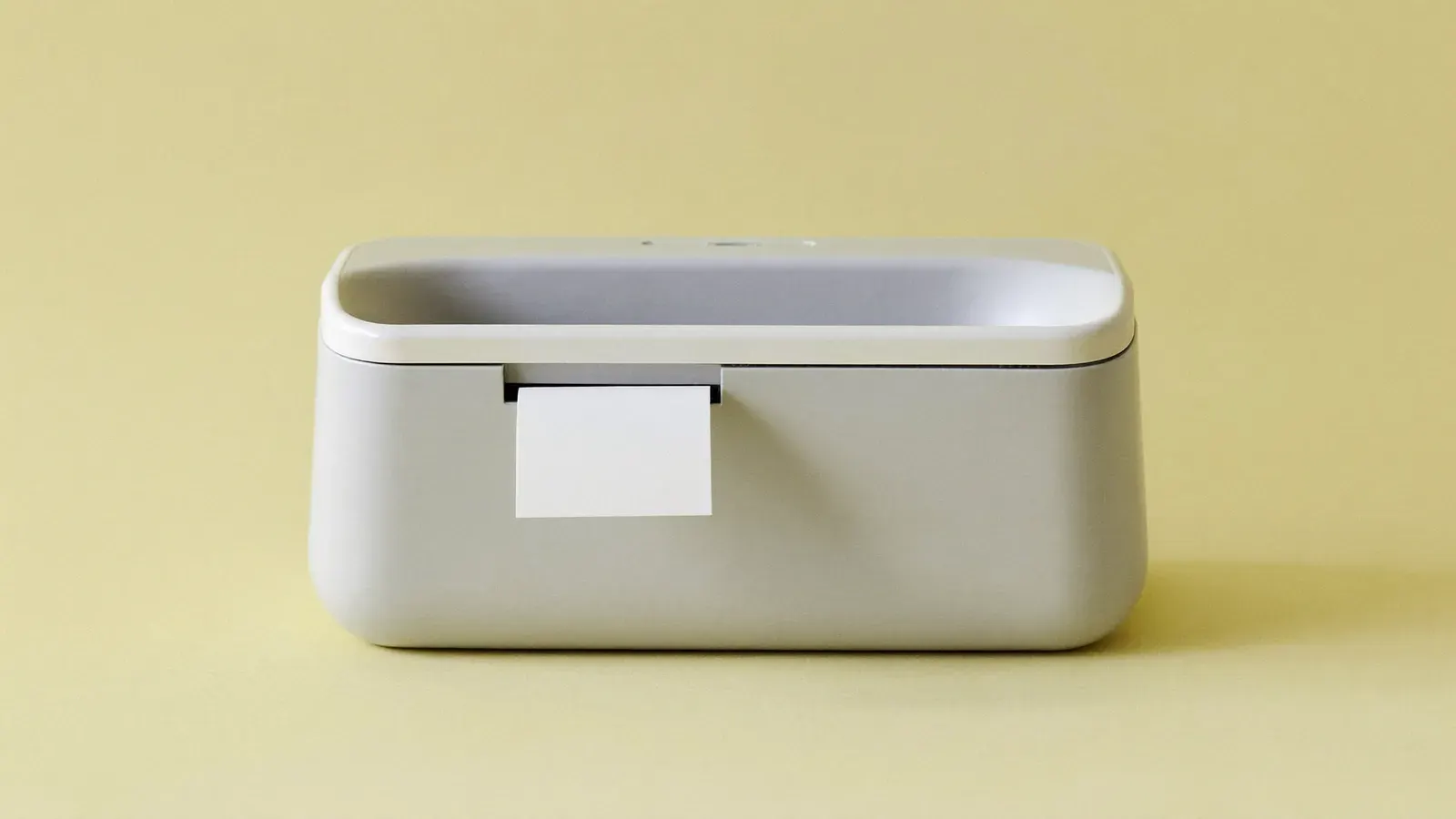
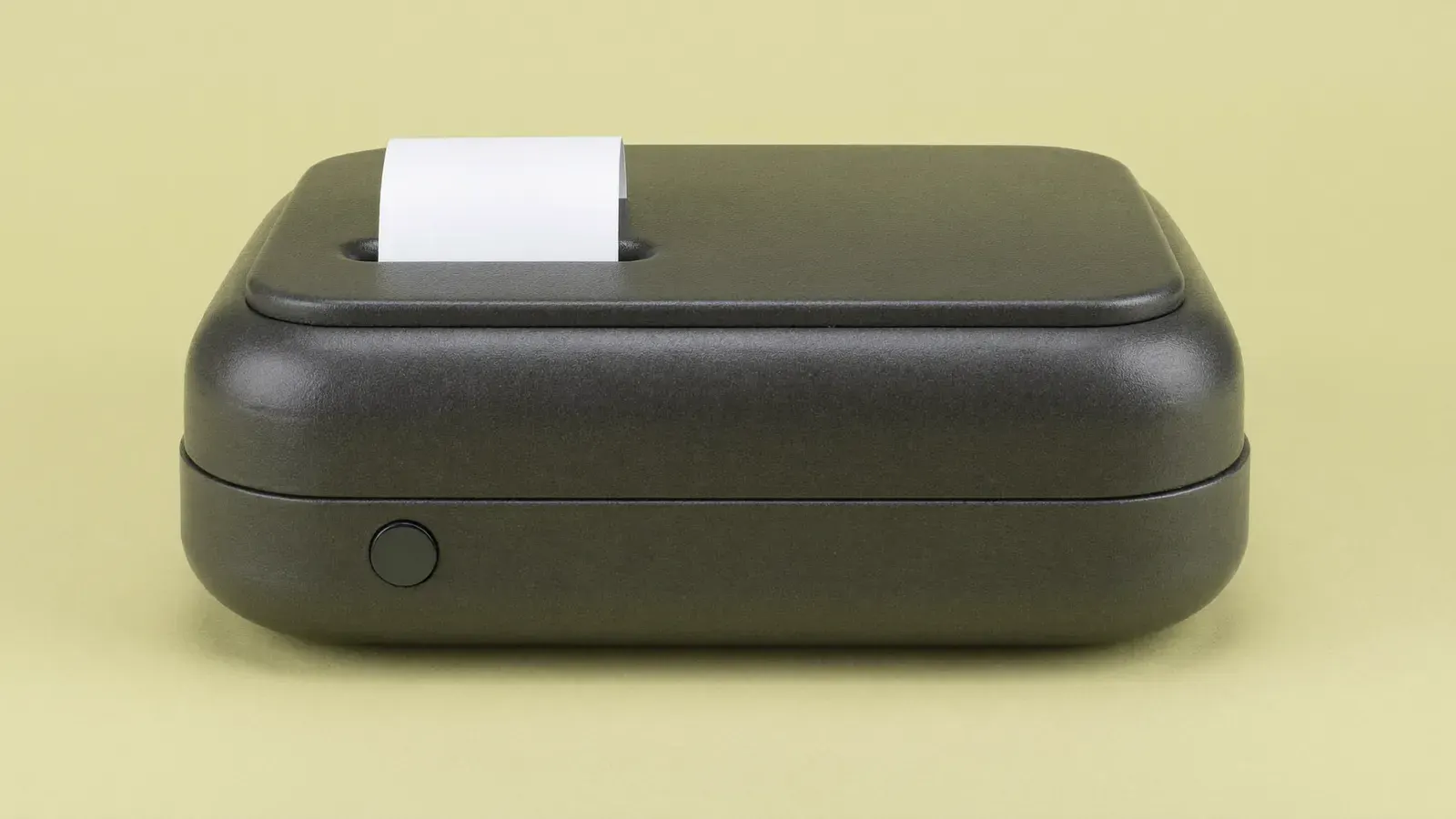



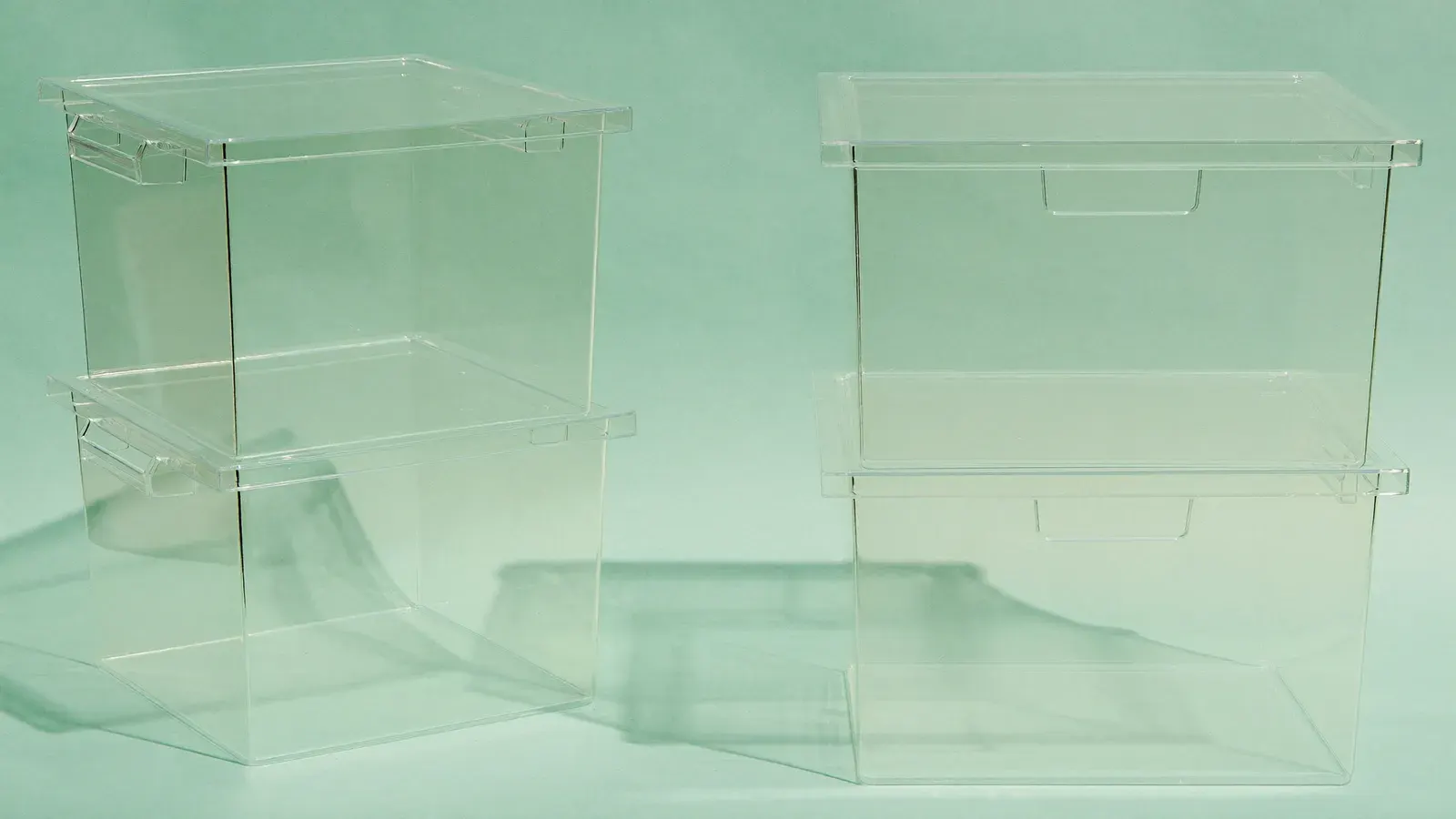
Prints 4 × 6 inch shipping labels with no ink.
Typical price
$60 to $100

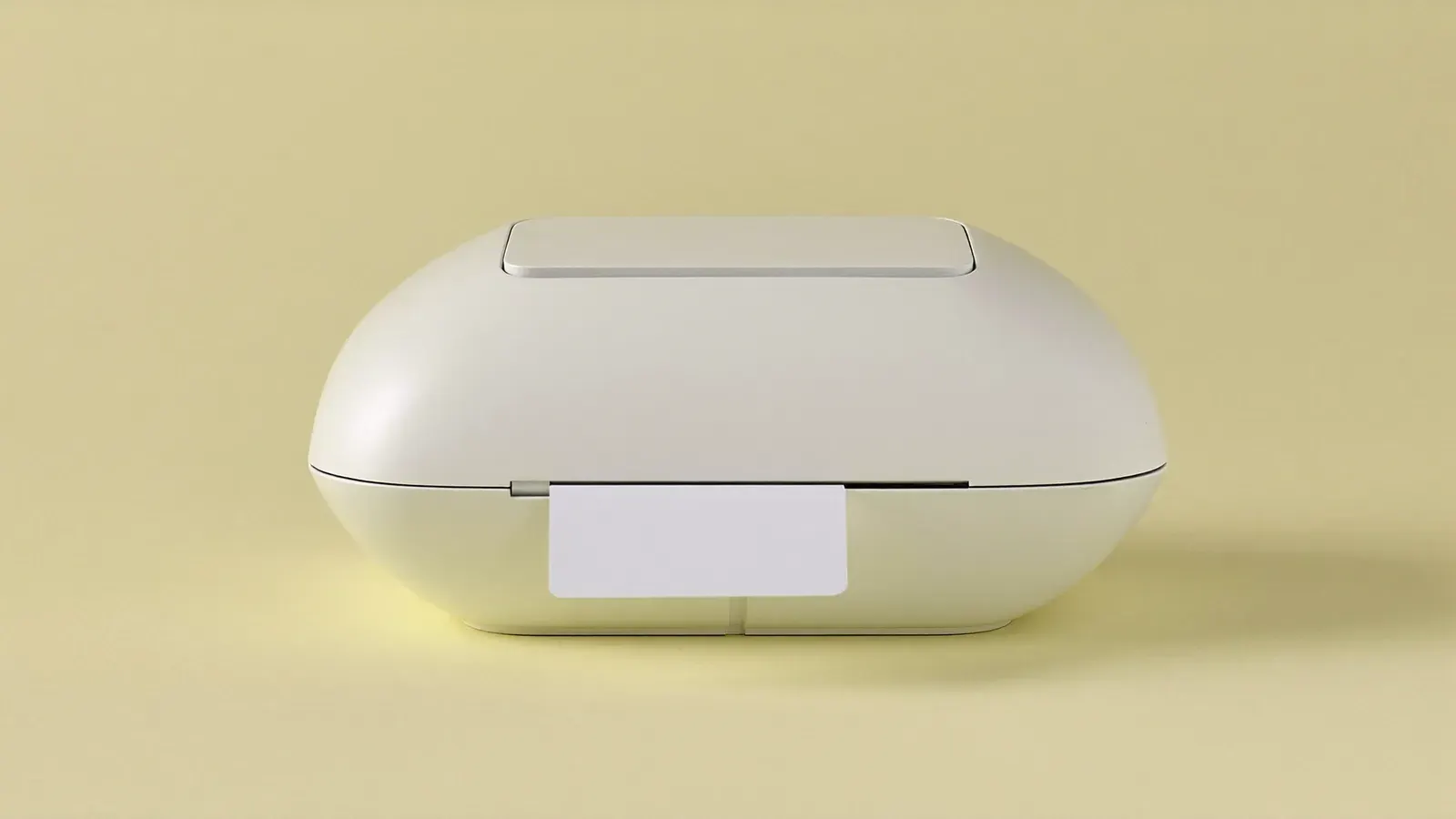
Why we pick it
- Typical price
- $60 to $100
- Works with










It takes the standard 4 × 6 inch labels that eBay, Poshmark, Mercari and Whatnot all generate, and generic labels work, so the running cost stays low.
Good for
- Sellers shipping 20 to 150 packages a week
- Anyone selling on two or more platforms
- Fanfold stacks fed from behind the desk
Not for
- Very small desks with no room behind the printer
Our approved alternative for the same job: Phomemo thermal label printer
The guide
Each step in the order you'll need it.
Who the MUNBYN printer suits
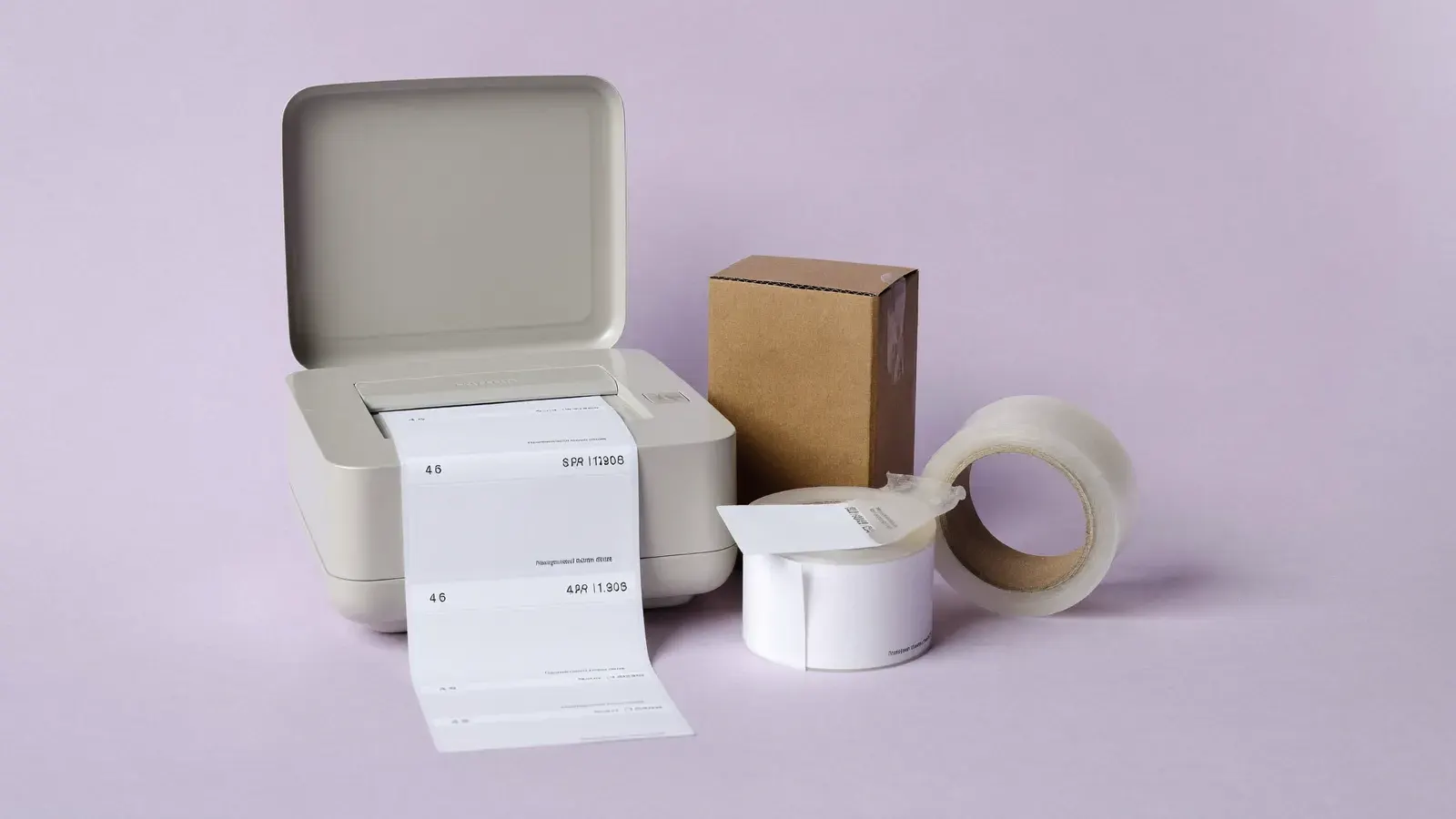
You sell on two or three platforms from a spare room and ship anywhere from a handful to a few hundred packages a week. eBay, Poshmark, Mercari, Whatnot and Etsy all hand you a 4 × 6 inch label, and this printer takes that size straight from the PDF, with no letter sheet to trim or fold.
It fits clothing resellers, card breakers and mixed home goods shops where each order needs its own label. Under five packages a month, a home inkjet and sticky letter-size sheets will do. Once you print labels daily, the $60 to $100 printer saves you the trimming and taping.
Resolution, speed and label width
The maker lists 203 dpi, enough for a carrier barcode. It accepts label stock from roughly 1.6 to 4.3 inches wide, so the standard 4-inch shipping label fits inside the guides.
Check the connection type on the listing, USB or Bluetooth, before you buy. A Bluetooth version prints from your phone, handy if you buy postage in the Poshmark, Mercari or Whatnot app. Thermal labels react to heat, so you never buy ink or ribbon.
Driver, calibration and fanfold feed
Install the driver from MUNBYN's site, set the paper size to 4 × 6 inches and run the auto-calibration so the printer learns the gap between labels. Print one test label from each platform you sell on, because each site lays out its PDF a little differently.
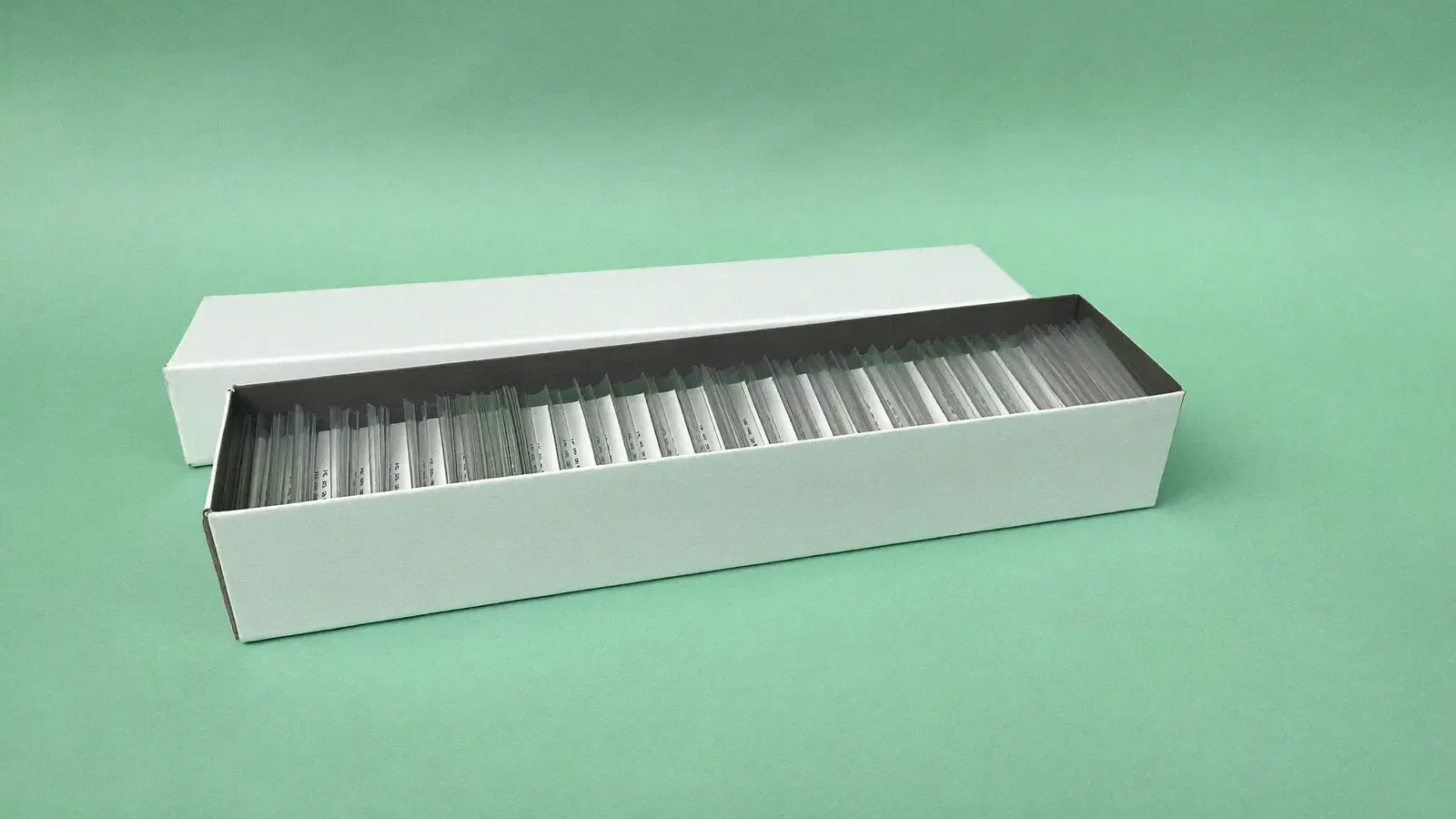
Set a fanfold label stack on the desk or floor behind the printer and feed the leading edge through the rear slot. Leave about 3 feet of clear space behind it so the stack unfolds without catching. Put a shipping scale on the same desk so you can weigh the package and print its label without getting up.
Kit for this step

A smaller printer for small desks, a heavier one for volume
The compact thermal label printer costs less and takes up less room, so choose it for your first few hundred labels or a shelf-top setup. It prints the same label size, so your label stock carries over.
Past about 100 orders a week, choose the industrial desktop printer, built for long daily runs. If you buy most of your labels through Pirate Ship or USPS Click-N-Ship, any of the three works: set the label format to 4 × 6 inches there.
Kit for this step
Label cost against the printer price
A 500-label fanfold stack runs a few cents per label. Against a printer that costs $60 to $100, labels add very little to each order.
Plain paper taped to the box costs you tape and time on every order, and a creased barcode can fail to scan.
Kit for this step
Common mistakes
Each one costs you money or reviews, and each has a fix.
- Without calibration, labels print across the gap. Hold the feed button or run the setup utility after each new stack.
- Set the paper size to 4 × 6 inches in both the driver and the platform's label settings; at letter size the barcode shrinks into a corner.
- If you buy postage in an app, choose the Bluetooth version. With a USB-only model, you end up emailing PDFs to a laptop.
- Fanfold labels left on a sunny windowsill darken before use, so store spare stacks in a drawer away from heat.
- Water on the print head spreads residue and smears the print. Wipe it with an isopropyl alcohol pad once labels fade in stripes.
Ranked in
Where it places in our rankings, and the reason.
Setups that use it
Complete kits this product is part of.




Guides that use it
Step-by-step help where this product does a job.
Questions
Straight answers to what sellers ask about this.
Does the MUNBYN printer work with Poshmark and Mercari labels?
Yes. Both platforms let you download a 4 × 6 inch label, and the MUNBYN driver handles it once the paper size is set. If a label arrives on a letter-size page, crop it in a PDF viewer before printing.
Can I use any brand of thermal label?
Any direct thermal label in its width range feeds through it, so generic stacks work. Avoid thermal transfer labels, which need a ribbon this printer does not have.
Will it print from a Mac or a phone?
MUNBYN publishes drivers for Windows and macOS. Printing from a phone needs the Bluetooth model and the MUNBYN app or a platform app that supports it.
Can it print product barcodes and stickers too?
It prints any label you can lay out at the right size, including small SKU labels, as long as the roll is in its width range and you recalibrate for the new gap.
How long does the print head last?
The head wears with use. Wipe it every few stacks and keep dust off the labels to slow the wear.
Alternatives
Other picks for the same job, cheaper and pricier.
Phomemo thermal label printer
Costs less than most thermal printers and fits on a shelf. It prints the same 4 × 6 in labels, so your label stock carries over if you upgrade later.
Typical price$70 to $110
See on AmazonZebra ZD421d
Once you print hundreds of labels a week, the faster prints and fewer jams are worth the higher price.
Typical price$450 to $600
See on Amazon