Start with your phone. We compare the best camera for streaming on Whatnot, from clip-on lenses to mirrorless bodies, so you buy only what you need.
About this ranking
Your setup depends on show size and stock. Start with your phone. Add gear only when a replay shows a gap. These picks bring closer detail to small items, or let you stream from a computer.
A clip-on lens kit costs about $12 to $40. A 1080p webcam sits around $25 to $60, and a 4K one $100 to $220. For a pro desk, a streaming webcam runs $110 to $150 and a mirrorless camera body $650 to $800, plus a lens and a capture card. Buy them in that order, and only after a replay shows you something missing.
How we chose
The criteria that set the order. Commission plays no part.
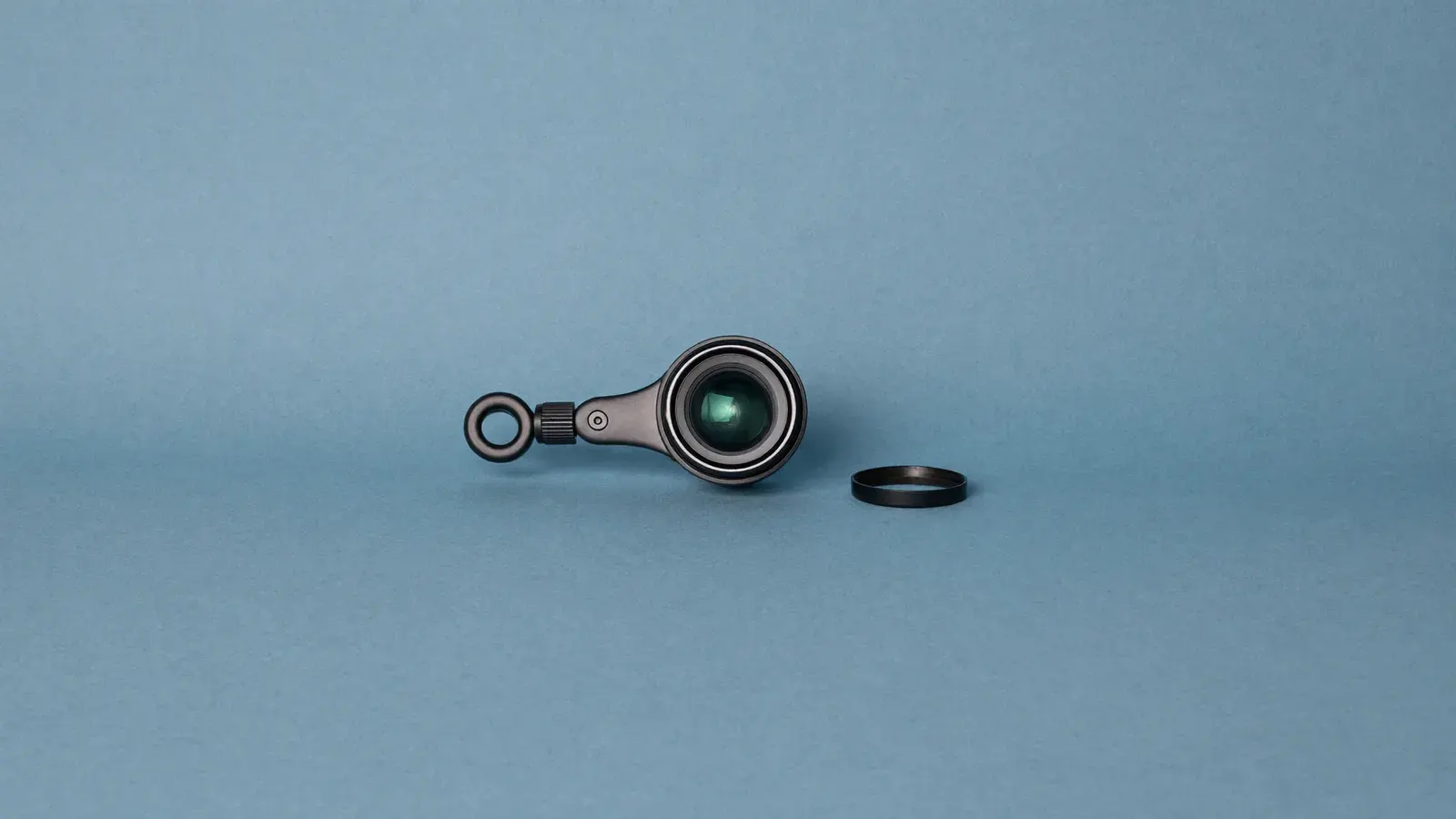
Stream on your phone first, since Whatnot runs from the app. This lens is the cheapest upgrade: it adds close focus for card edges and hallmarks without changing how you stream.
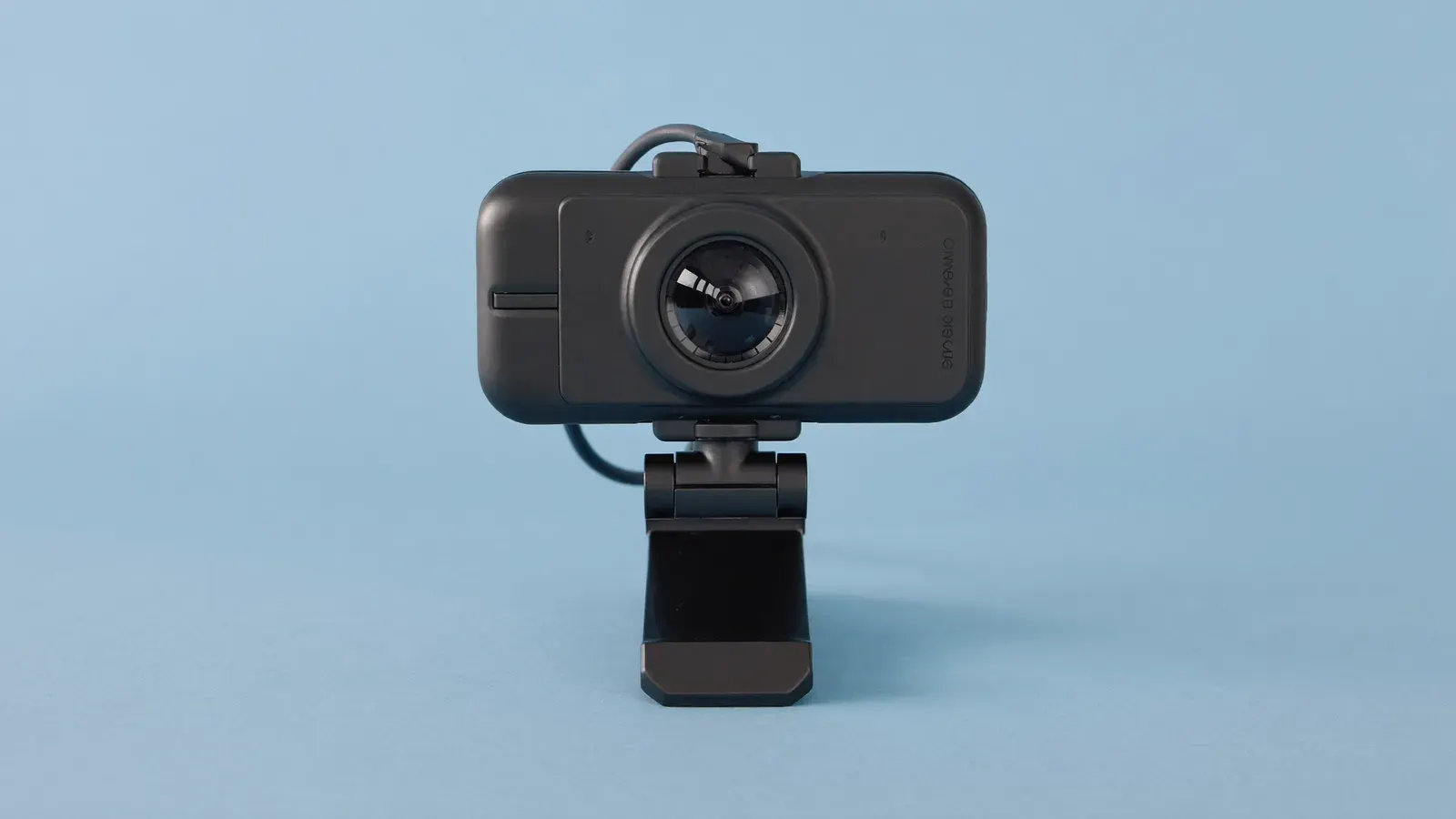
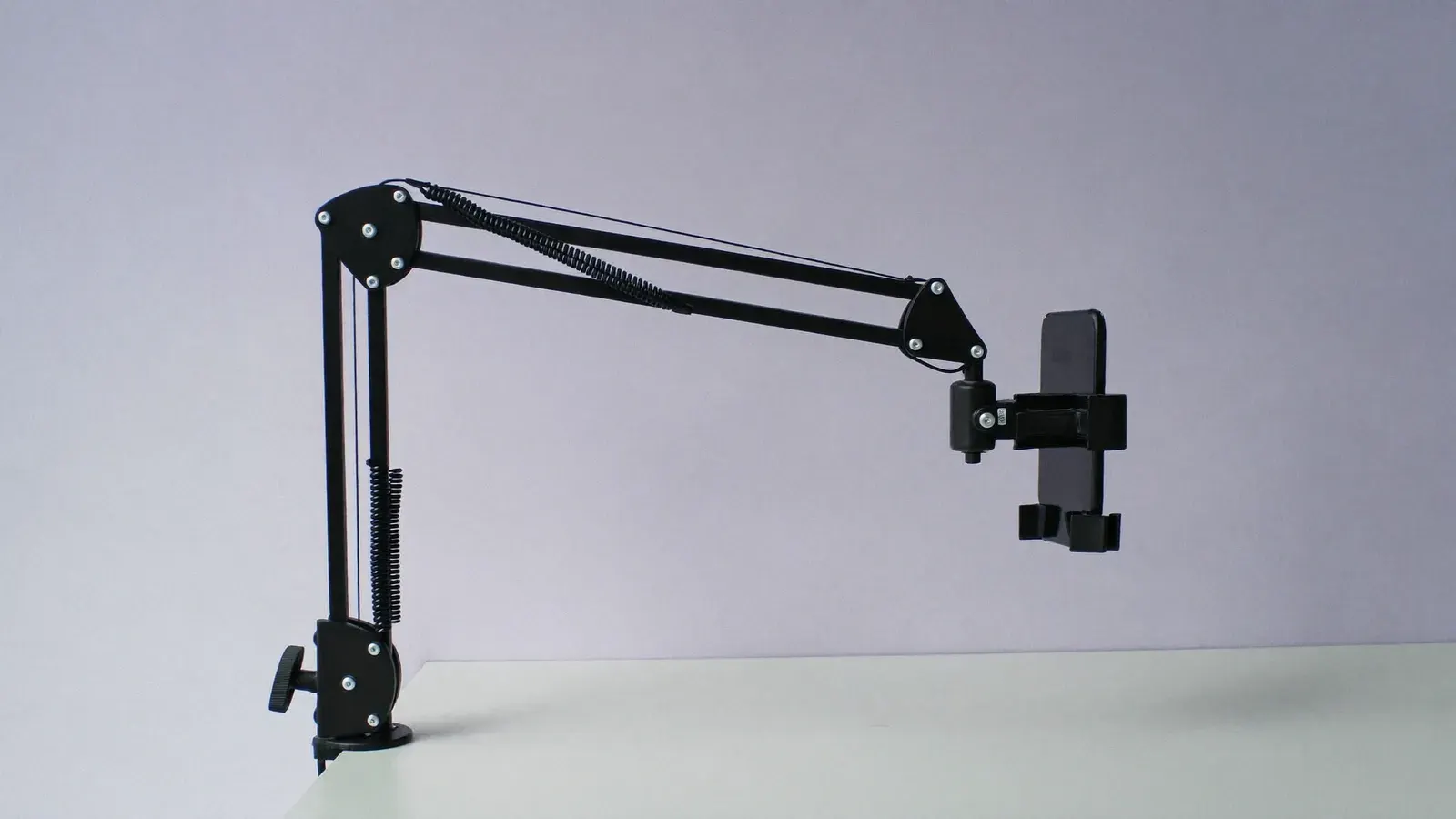
Worth buying when you want to stream from a computer with overlays, or to free your phone for chat. Mount it over the desk and test the framing before going live.
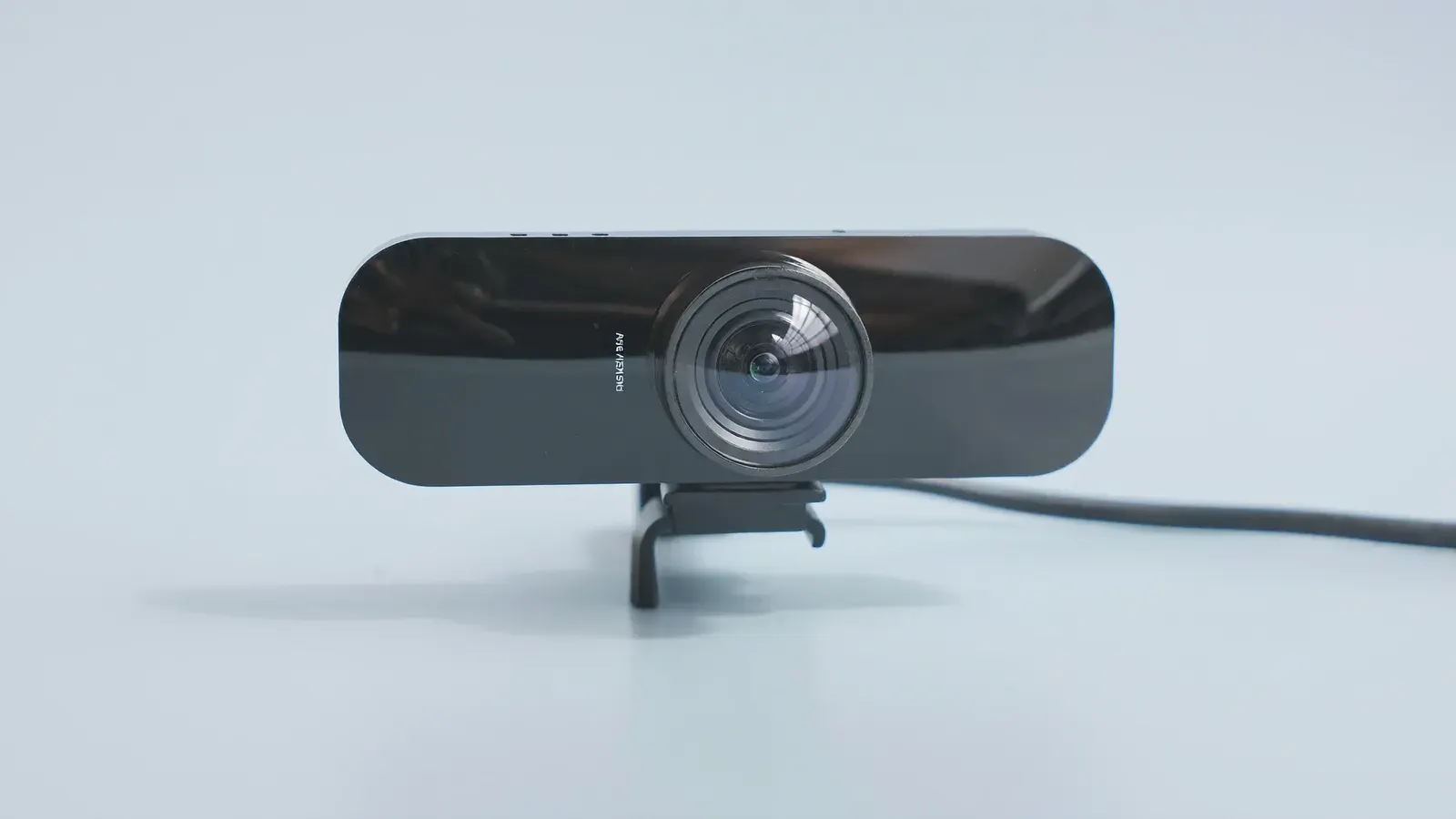
Pays off only if you run regular card breaks through streaming software, where cropping tight on a slab or corner helps buyers judge condition. Phone-only sellers can skip it.
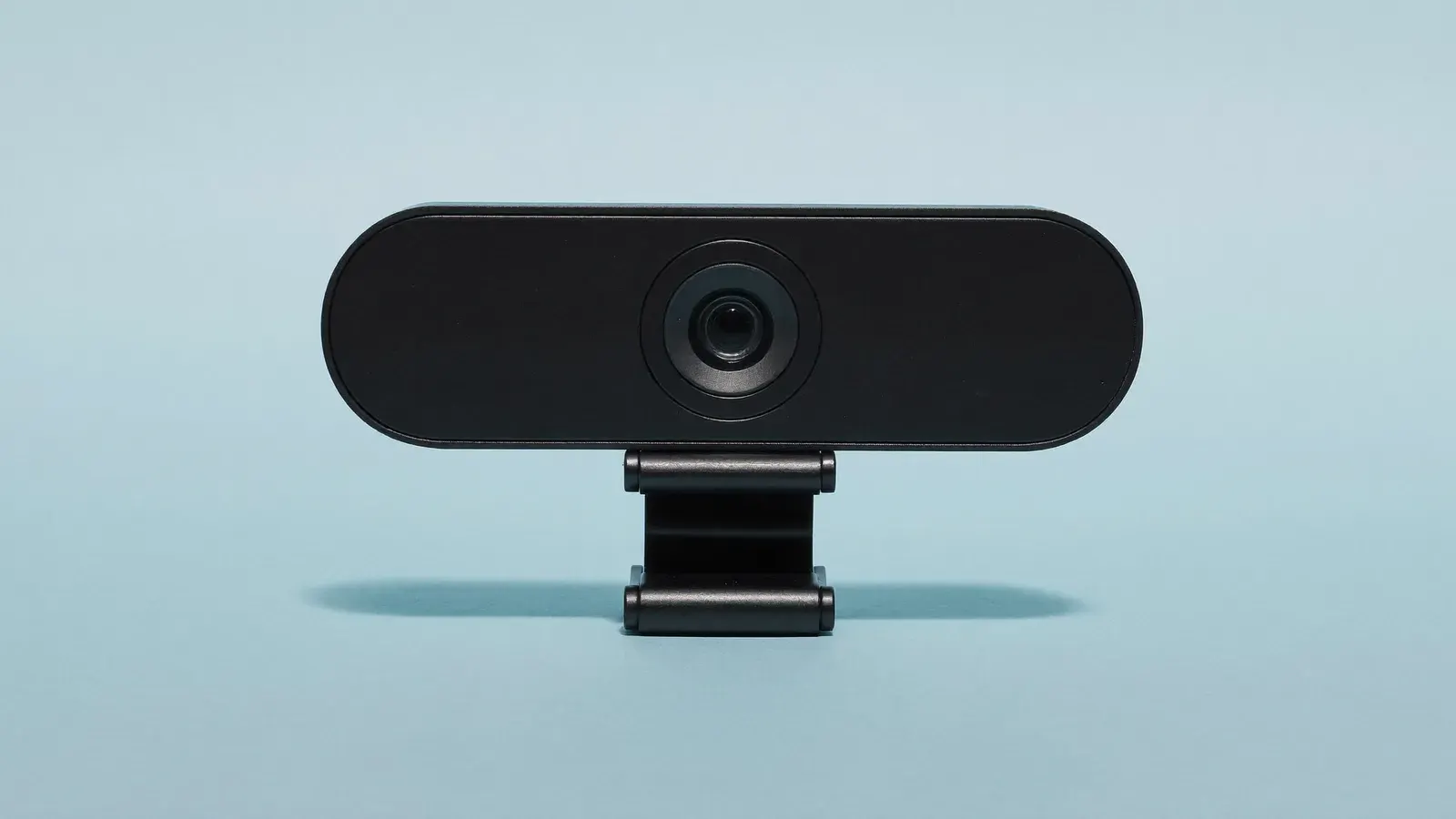
A step up from a basic webcam for the face angle. You set exposure by hand so the picture stops pumping when a foil card crosses the frame, and it runs 1080p at 60 frames.
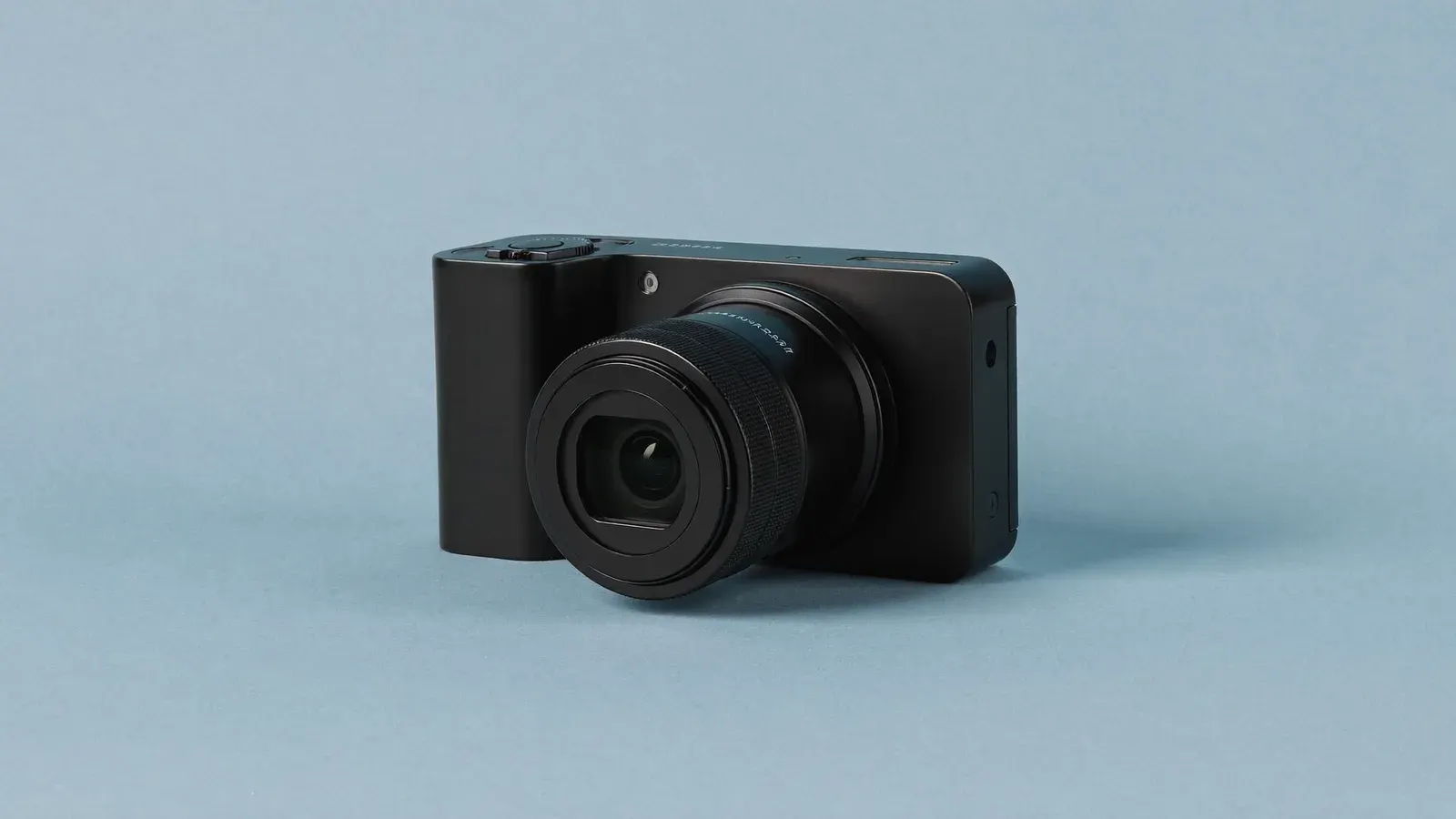
The pro rip camera for high-volume card breaks. Clean HDMI out feeds a capture card, and interchangeable lenses give a sharp card against a soft background.
Card buyers want to see corners and centering, and jewelry buyers want the hallmark. A macro lens clips over the phone camera and focuses an inch or two away.
Test focus distance before going live. Macro lenses have a narrow sharp zone, so mark the spot on the desk where items should sit.
Streaming software on a laptop lets you add overlays and timers, plus a second camera angle. A webcam on an arm over the desk is the usual starting point.
Check Whatnot’s current support for computer streaming before you buy. Your phone stays free for reading chat.
With a 4K webcam you can crop tight on a slab or a single corner and still look sharp. Regular card sellers need that clarity when buyers judge condition from the stream.
For clothing, toys or general stock, 1080p covers it. The extra resolution taxes your laptop without helping buyers see more.
At 80 or more orders a week, some card breakers move the rip angle to a mirrorless camera. A larger sensor and a proper lens give a sharp card against a soft background. You can swap lenses for close-ups, too.
It needs a capture card, a micro-HDMI cable and wall power for long shows. Price the whole chain before you buy the body.