



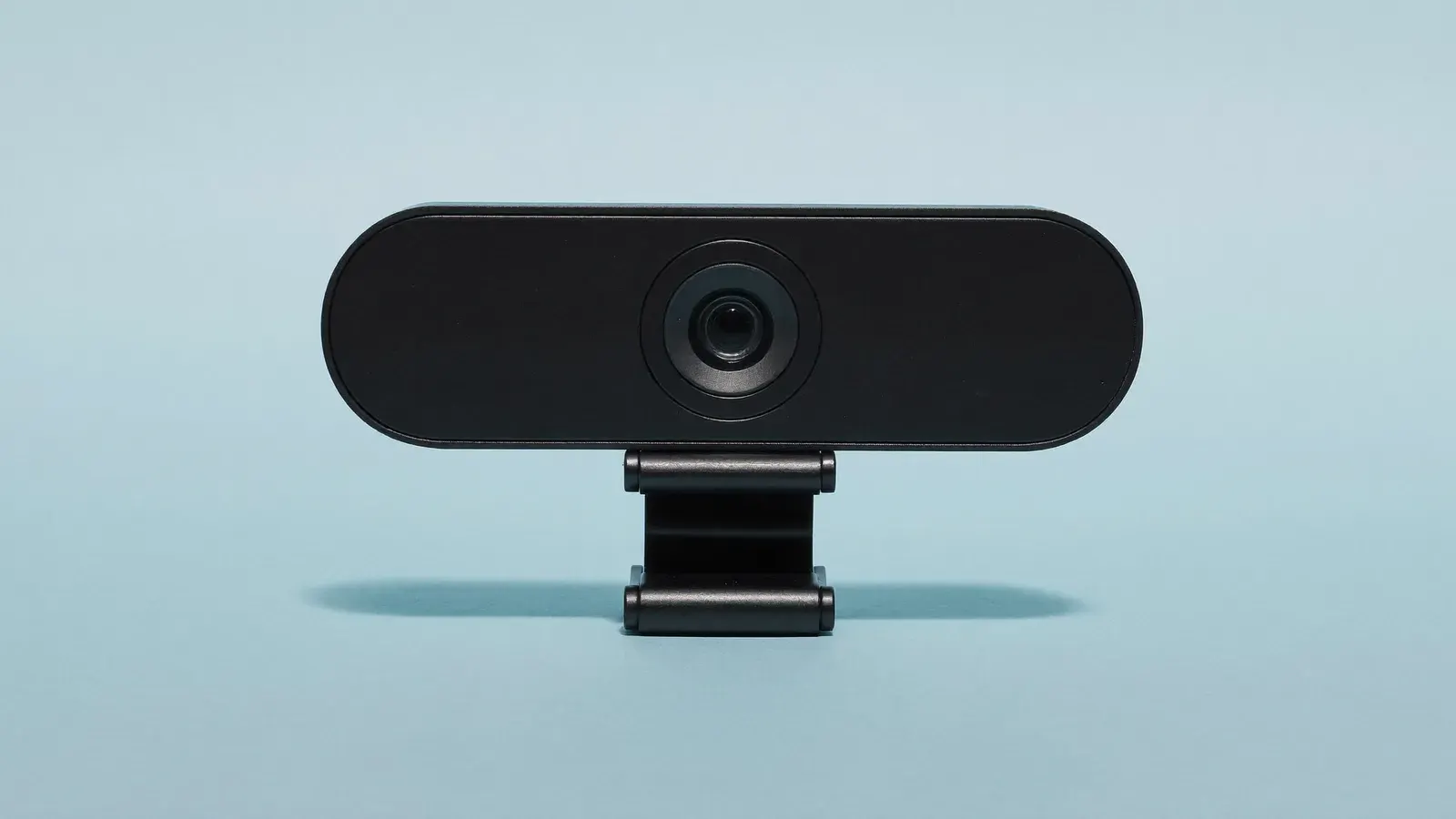
A 1080p60 streaming webcam with manual exposure control.
Typical price
$110 to $150

Why we pick it
- Typical price
- $110 to $150
- Works with




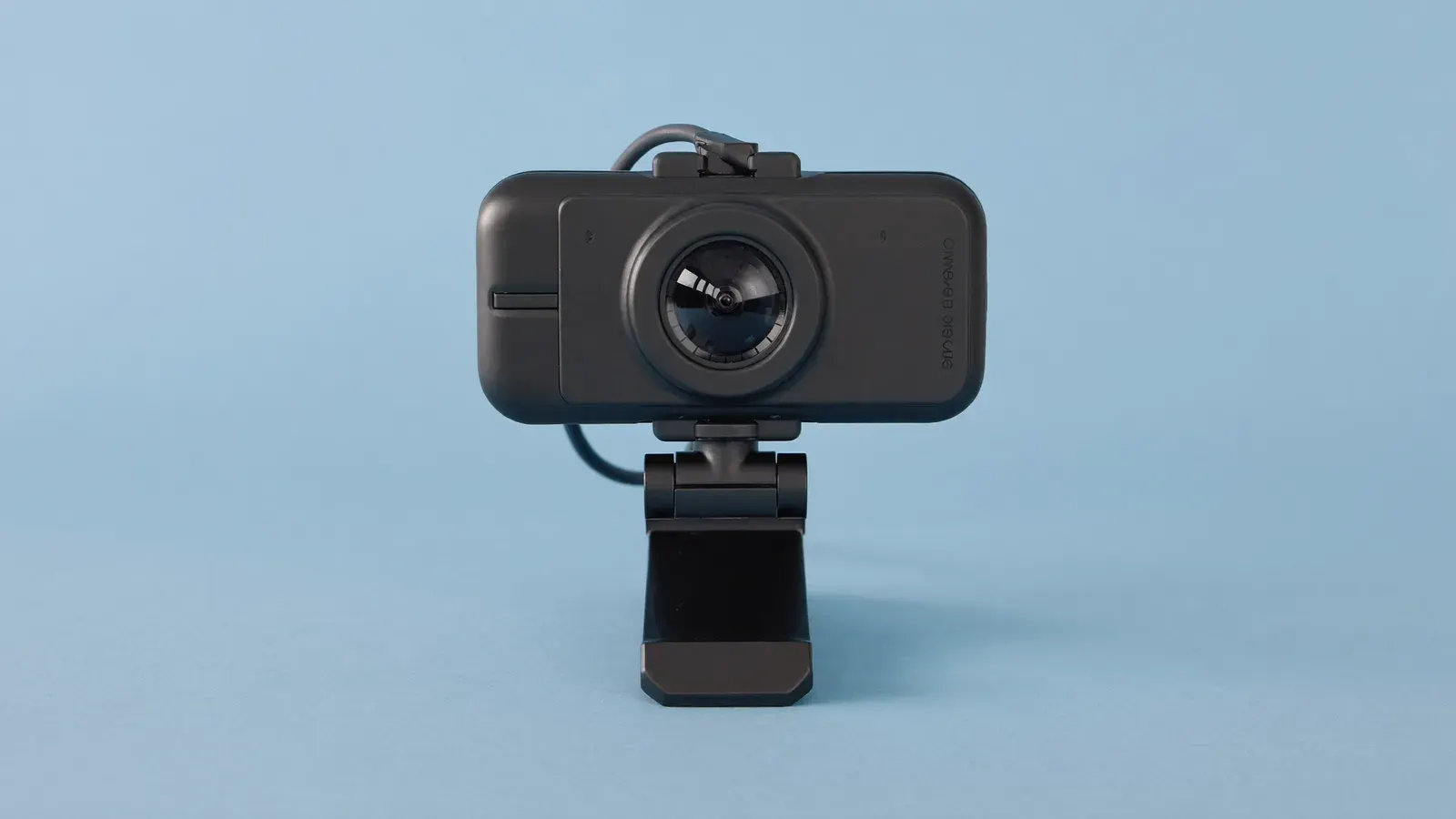
A desk webcam with manual exposure you set once, so the picture holds steady when a foil card passes the lens. It runs at 1080p and 60 frames a second, which keeps a fast pack rip smooth. Use it as the face camera next to an overhead phone or a mirrorless camera; for close shots of corners and centering, a 4K webcam crops tighter.
Good for
- Face camera on a multi-angle desk
- Computer streams with steady exposure
Not for
- Close-up detail on corners
- Phone-only sellers
Our approved alternative for the same job: 1080p USB webcam
The guide
Each step in the order you'll need it.
A face camera that holds its exposure
You run regular computer-based shows on Whatnot or TikTok Shop, and your face camera shifts color and brightness as items pass it. Save your settings to the camera and the picture at the end of the show matches the start.
It fits card breakers and collectibles sellers with two or three cameras, where this one shows you and the others show the mat. If you go live once a month, spend the money on a light first.
Sensor, frame rates and field of view
Elgato lists 1080p at 30 or 60 frames a second, and 720p up to 120 frames, from a 1/2.5-inch sensor. The 84-degree field of view fits a seated presenter and part of the desk.
The free Camera Hub app adds digital pan, tilt and zoom, plus manual shutter, ISO and white balance. The camera sends uncompressed video over USB-C, so fast movement shows no compression blocks.
Mounting and saving a Camera Hub profile
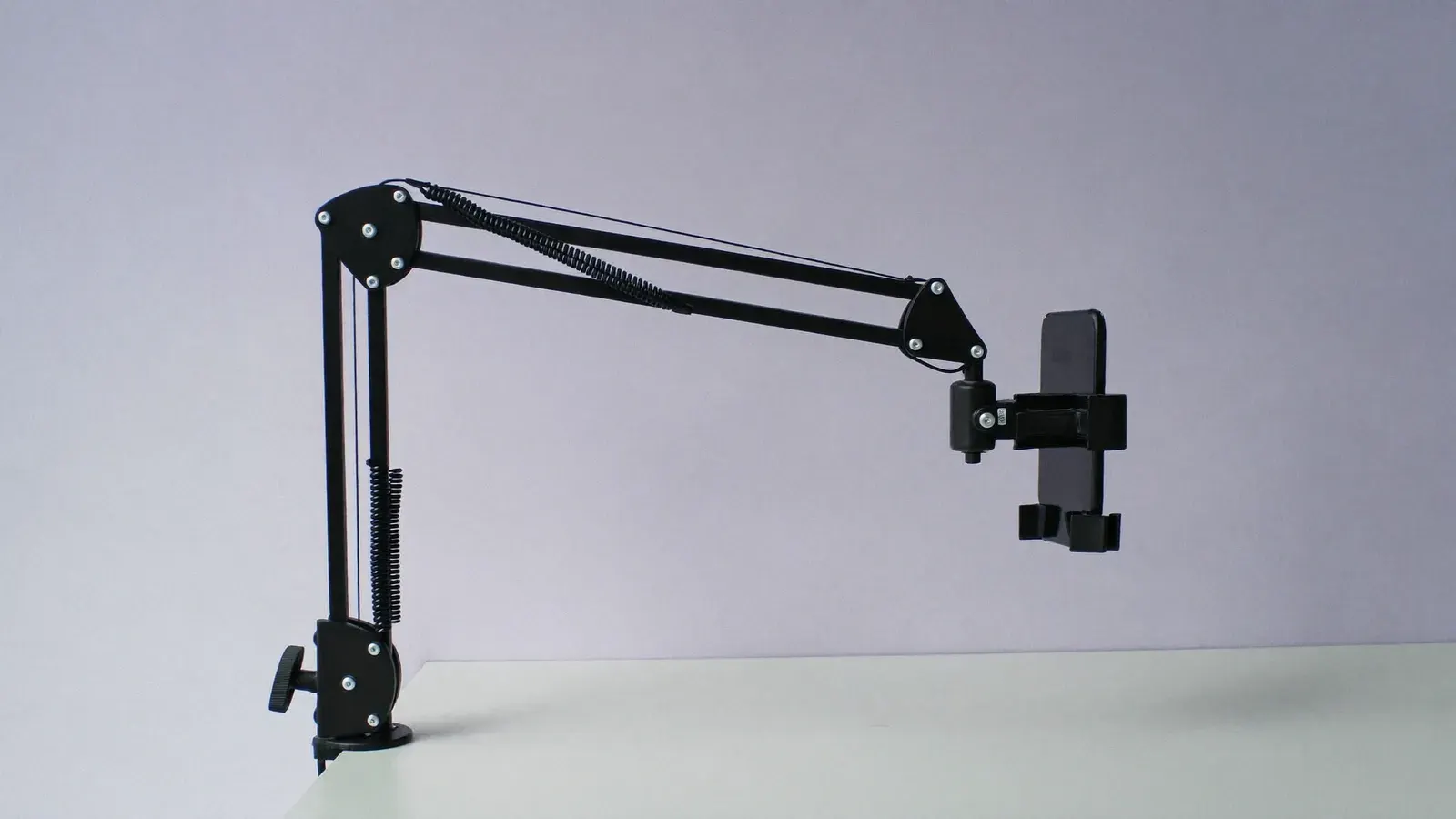
Mount it on the monitor or a short arm at eye level, light your face from the front at 45 degrees, then open Camera Hub. Set the shutter to match your room lighting, lock white balance to your lights and save the profile.
Frame head and shoulders with the digital zoom, then add the camera to your streaming software. Pair it with an overhead phone or a mirrorless camera on the mat, and switch angles with a scene key.
Kit for this step
A 1080p webcam, 4K webcam or mirrorless body
The 1080p USB webcam does the same job for less if your lighting is stable and you rarely hold shiny items up to the face camera. Choose the 4K USB webcam if this camera also has to show close card detail.
For a softer background and a bigger sensor, a mirrorless body with a capture card costs about four times as much. If you stream from a phone alone, start with a clip-on wireless mic and lights.
Shutter and white balance under US lighting
US power runs at 60 Hz, so a shutter of 1/60 or 1/120 avoids flicker bands from cheap LED bulbs. The camera keeps that setting after a restart.
Lock white balance to the color temperature of your key light instead of auto. A warm lamp in the frame stays warm, and foil cards pull the picture toward blue less.
Kit for this step
Common mistakes
Each one costs you money or reviews, and each has a fix.
- Set manual exposure and save a profile in Camera Hub. On auto, the exposure shifts as items pass the lens, like a cheaper webcam.
- Set the shutter to 1/60 or 1/120 under 60 Hz US lighting, or rolling bands show up.
- At 1080p you lose detail on corners and centering. Give that job to a 4K webcam or a mirrorless camera.
- Plug it straight into the computer: an unpowered hub can drop the frame rate.
- Without a key light the picture turns grainy, so light your face from the front before you buy a better camera.
Ranked in
Where it places in our rankings, and the reason.
Setups that use it
Complete kits this product is part of.
Guides that use it
Step-by-step help where this product does a job.

Questions
Straight answers to what sellers ask about this.
Does the Facecam MK.2 have a microphone?
No. It is a camera only, so plan on a separate mic such as a clip-on wireless one.
Does it shoot 4K?
It tops out at 1080p at 60 frames a second, which suits a face camera on a live show.
Do I need Camera Hub running during the show?
Save your settings to the camera and close the app once it is set up.
Can I use it on Whatnot from a phone?
No. It needs a computer with streaming software, and you go live on Whatnot from there.
Is it worth it over a cheap webcam?
If your face camera pulses in brightness during shows, yes. If your picture already holds steady, the lower-priced webcam does the job.
Alternatives
Other picks for the same job, cheaper and pricier.
Clip-on macro lens kit for phones
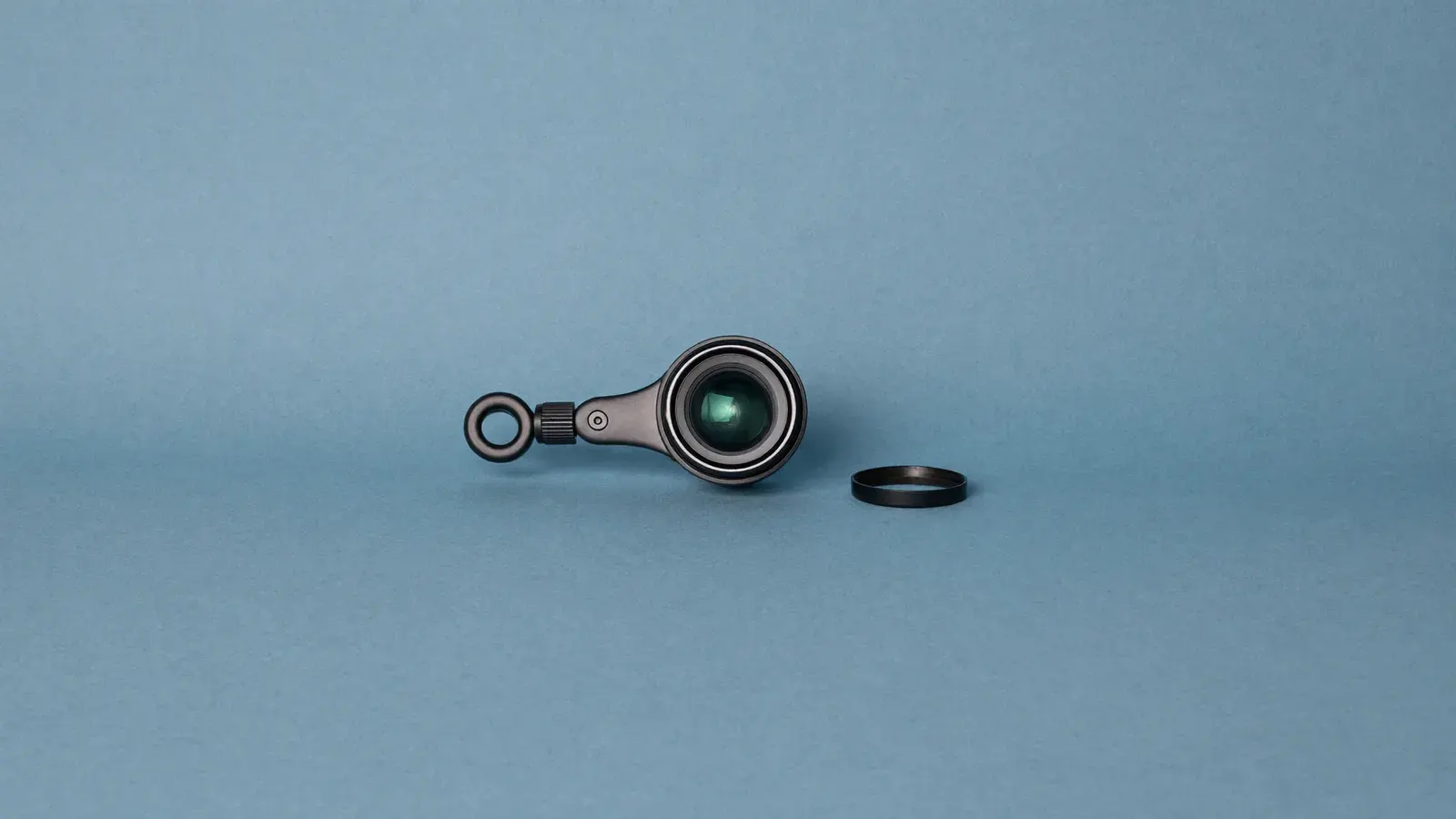
Your phone stays the camera and gains close focus for centering, surface scratches, hallmarks and fabric tags. Before a show, make sure the clip fits over your case and camera bump, and add light, because macro shots lose brightness.
Typical price$12 to $40
See on Amazon1080p USB webcam
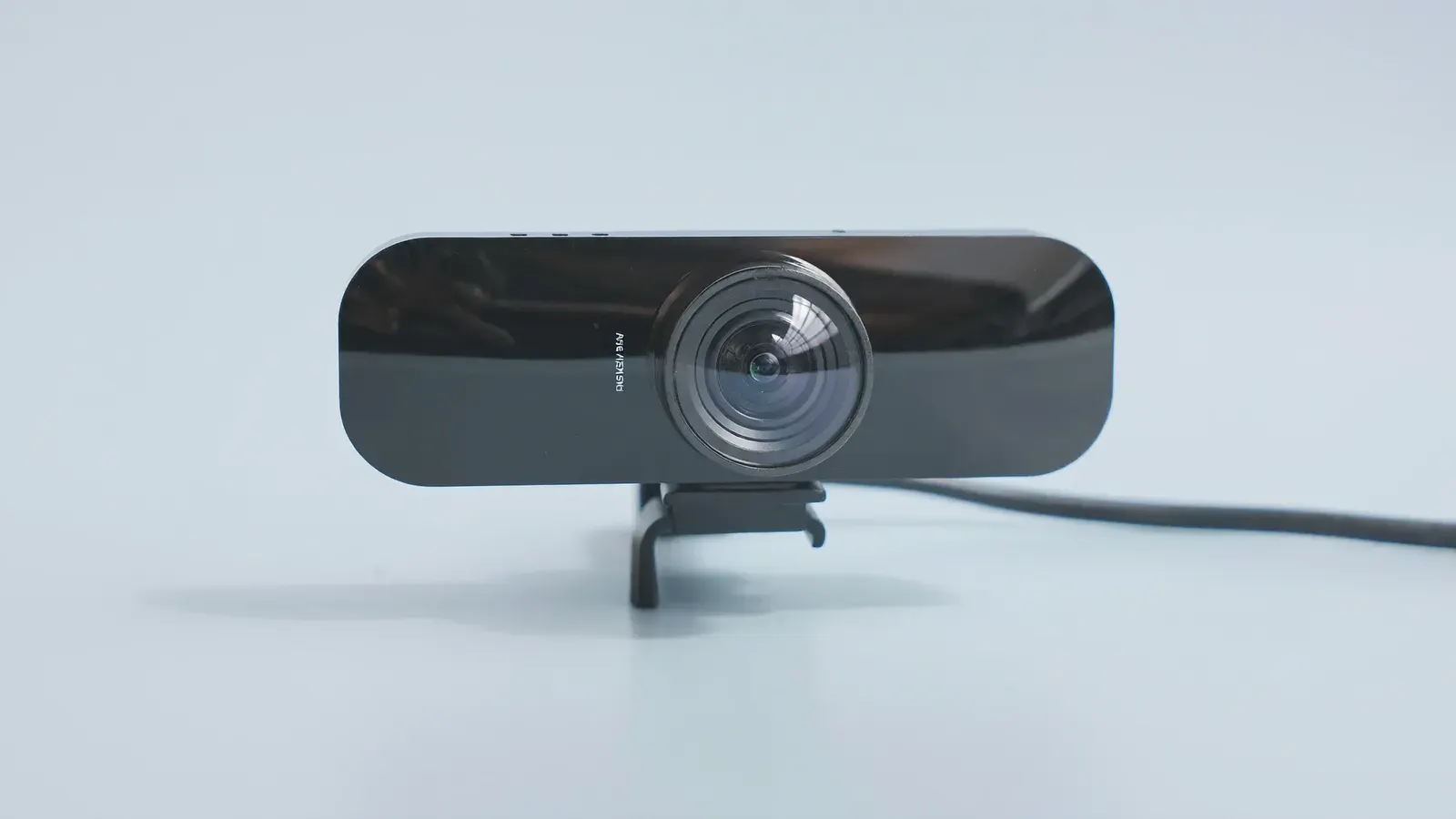
Clip it to a monitor or a small tripod and your computer becomes the streaming device, which frees your phone for chat and orders. It suits a desk show where you sit a fixed distance from the camera.
Typical price$25 to $60
See on Amazon4K USB webcam
The extra resolution lets streaming software crop tight on a card corner or a stitch and keep the picture sharp. It earns its price once you run regular shows from a computer with a capture setup; for phone-only streaming it adds nothing.
Typical price$100 to $220
See on Amazon
Sony ZV-E10 (body only)
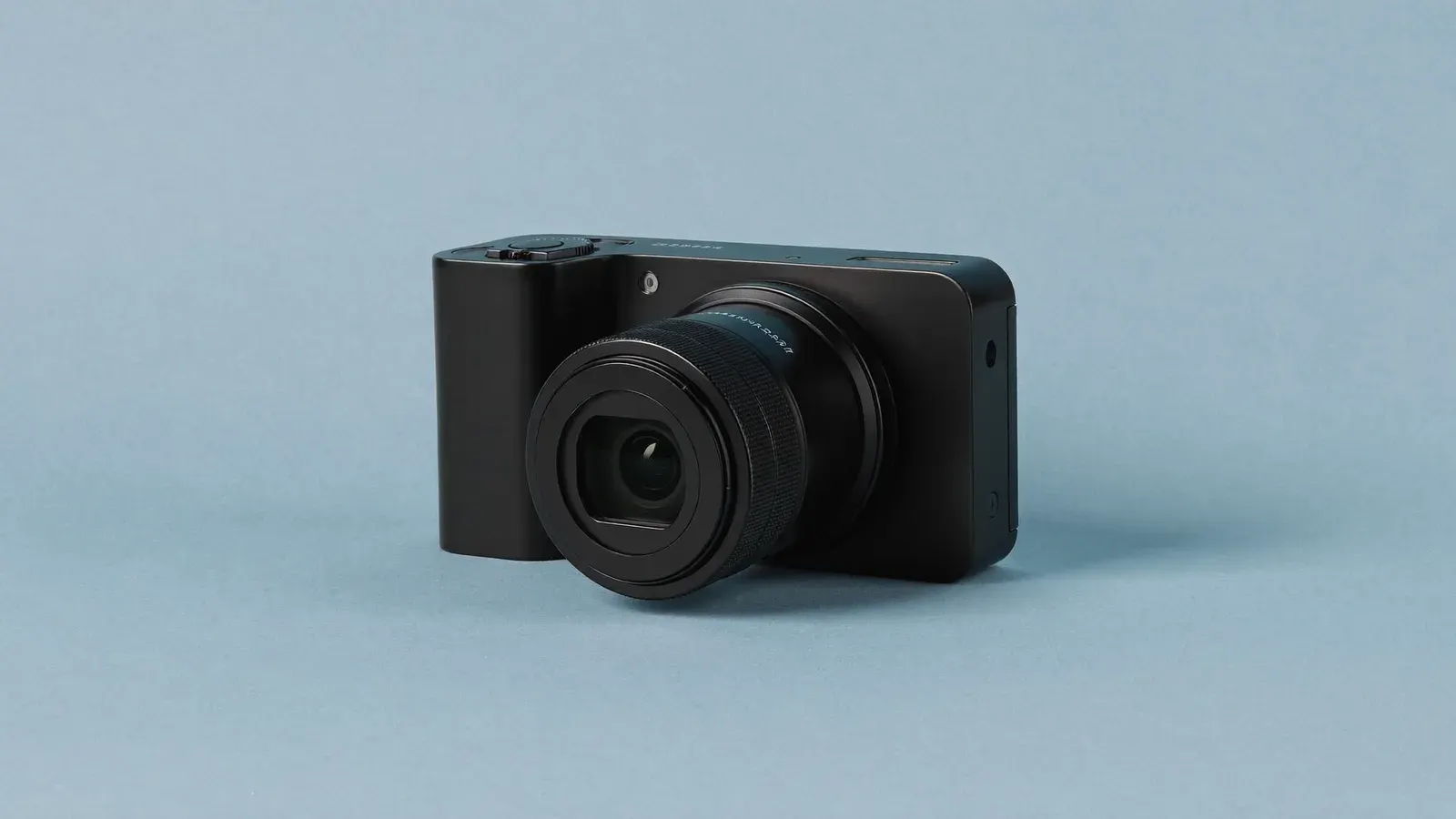
A mirrorless camera with an APS-C sensor and swappable lenses, so a card on the mat sits sharp against a soft background. Turn off the on-screen info and its micro-HDMI port sends a clean picture to a capture stick for your streaming software. Budget extra for a lens, a micro-HDMI cable and a dummy battery for long shows; below about 80 orders a week a 4K webcam is the saner buy.
Typical price$650 to $800
See on Amazon