



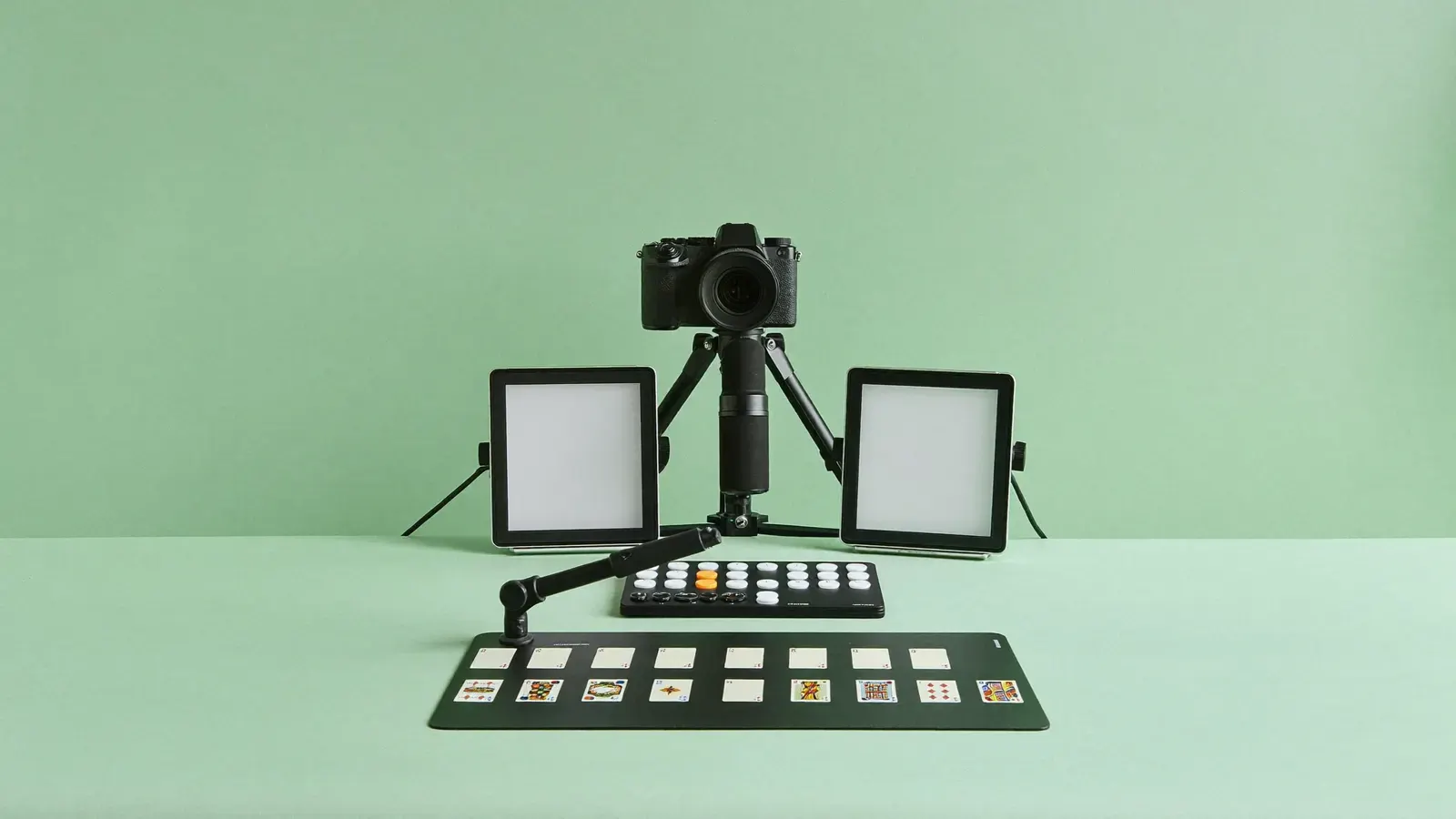
A grid of 15 programmable keys for switching scenes and angles.
Typical price
£110 to £135

Why we pick it
- Typical price
- £110 to £135
- Works with




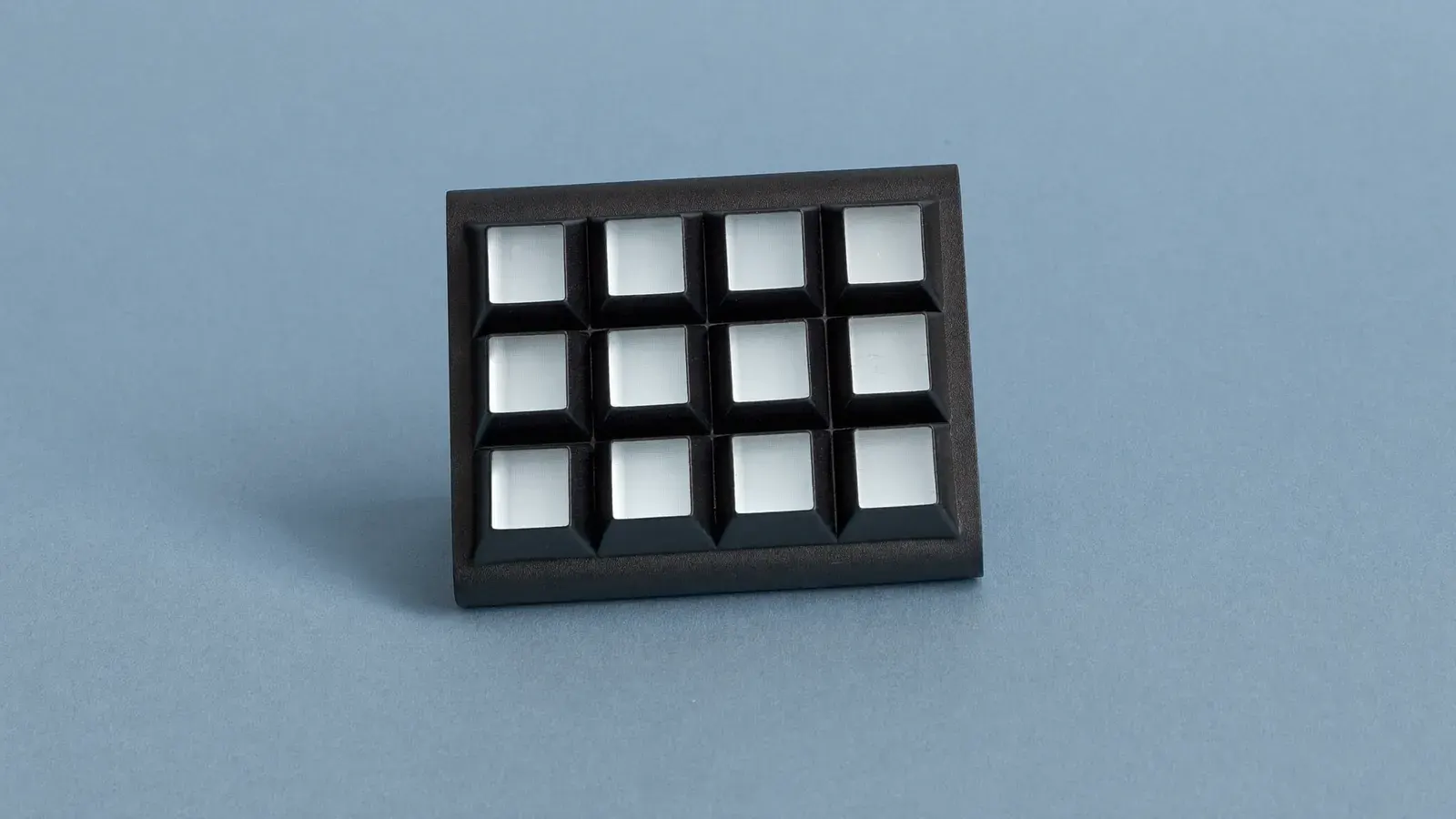
A desk pad of 15 screen keys, each set to one action in your streaming software: overhead camera, face camera, a close-up of the slab, a timer overlay. One press switches the angle mid-show, so you skip the menus while a buyer waits. Buy it once you stream from a computer with two or more cameras; a phone-only stream has nothing for it to control.
The guide
Each step in the order you'll need it.
Card breakers running two or more cameras
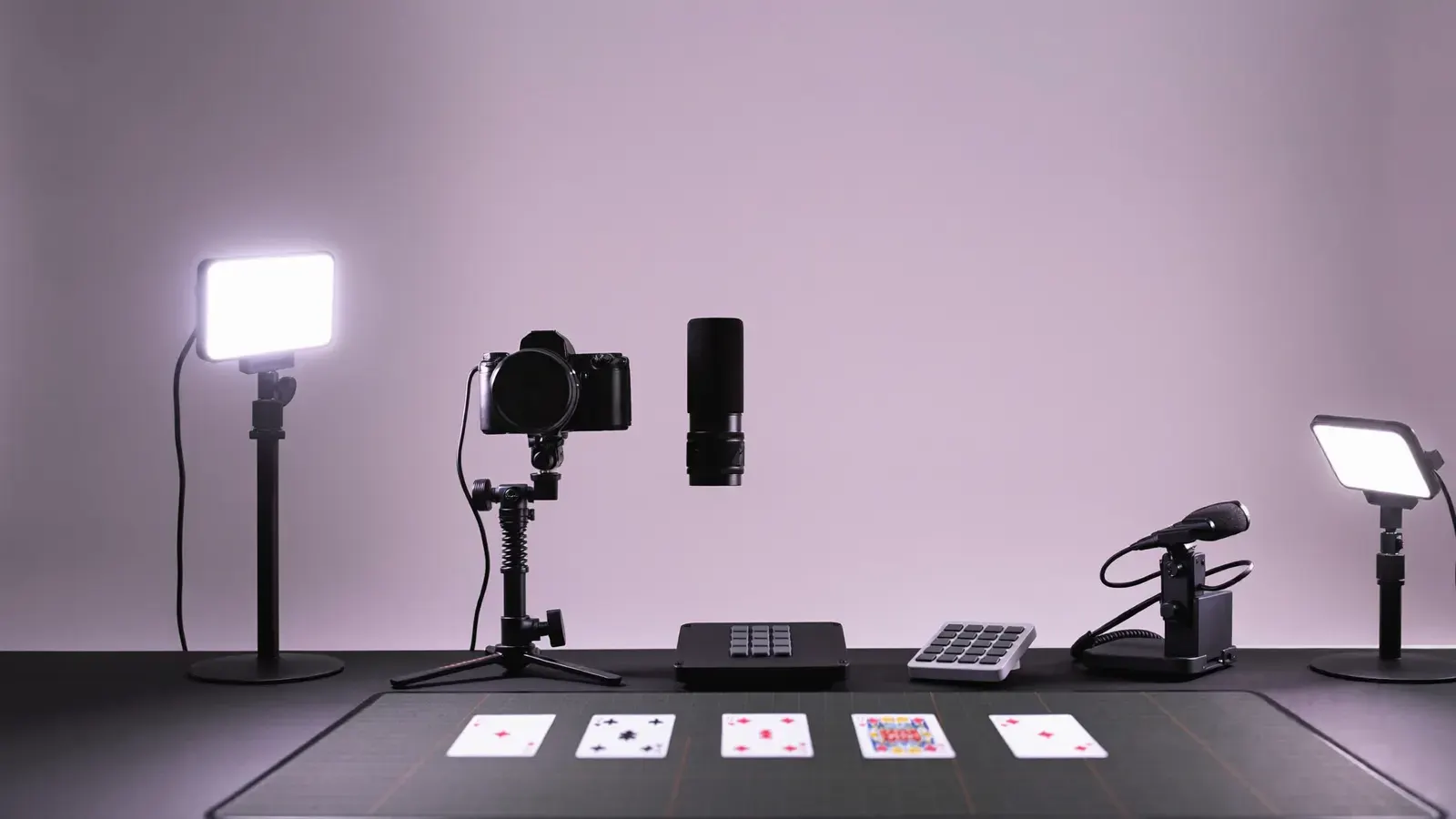
If you switch between overhead, face and slab cameras during a show, or bring up a timer overlay, you put each change on its own key.
It fits card breakers and collectables sellers running several shows a week. If you stream from a phone alone, it has nothing to control.
Specs from Elgato
The MK.2 has 15 LCD keys, each showing its own icon. It connects by a detachable USB-C cable, comes with a desk stand, and has an interchangeable faceplate.
It runs on Windows 10 (64-bit) or macOS 10.15 and newer. Through plugins, the Stream Deck app links keys to OBS, Elgato lights and audio controls.
Mapping keys to OBS scenes before a show
Install the Stream Deck app, add the OBS plugin, and give each camera scene its own key. Add keys for mute, a break-timer overlay and your lights' presets.
Put the camera keys on the top row and order the rest by use, so your hand finds them without a glance. Put the rarer actions, such as a giveaway screen, in folders.
Capture cards, Key Lights and free hotkeys
With a four-input HDMI capture card you can run four cameras into one PC and give each its own key. You can set brightness presets for the maker's desk key lights as actions.
For two scenes, keyboard hotkeys in your streaming software cost nothing. In that case, spend the money on a 4K USB webcam.
Kit for this step

Profile backups, cleaning and the faceplate
It costs £110 to £135. Once it is set up, export your profile in the app and keep a backup.
Clean the keys with a dry cloth and keep drinks away from it. If the default colour clashes with your desk on camera, swap the faceplate.
Common mistakes
Each one costs you money or reviews, and each has a fix.
- It controls software on a computer, so you can't use it on a phone-only stream.
- Start with five or six keys. If you fill all 15 on day one, you lose the camera switches among the rest.
- Export the profile now; a reinstall without a backup wipes your layout.
- Keep it within reach of your hand, so your eyes stay on the camera.
- Two scenes don't justify it: keyboard hotkeys handle that for free.
Setups that use it
Complete kits this product is part of.
Guides that use it
Step-by-step help where this product does a job.
Questions
Does the Stream Deck work with Whatnot?
It controls your streaming software on a computer, which then sends to Whatnot. It has no direct control over the Whatnot app.
Does it need Elgato software?
Yes, the free Stream Deck app, which you use to set up the keys.
Can it control my lights?
The maker's own lights have built-in actions in the app. Other lights need a plugin.
Is 15 keys enough?
For most selling shows, yes. Once you run out, put the extra actions in folders.