

A dedicated thermal label printer against the home printer you already own, loaded with letter-size sticky label sheets.
The short answer
Buy a thermal label printer once you ship more than a handful of packages a week. Keep the inkjet and label sheets if you sell a few items a month and the printer already sits on your desk.
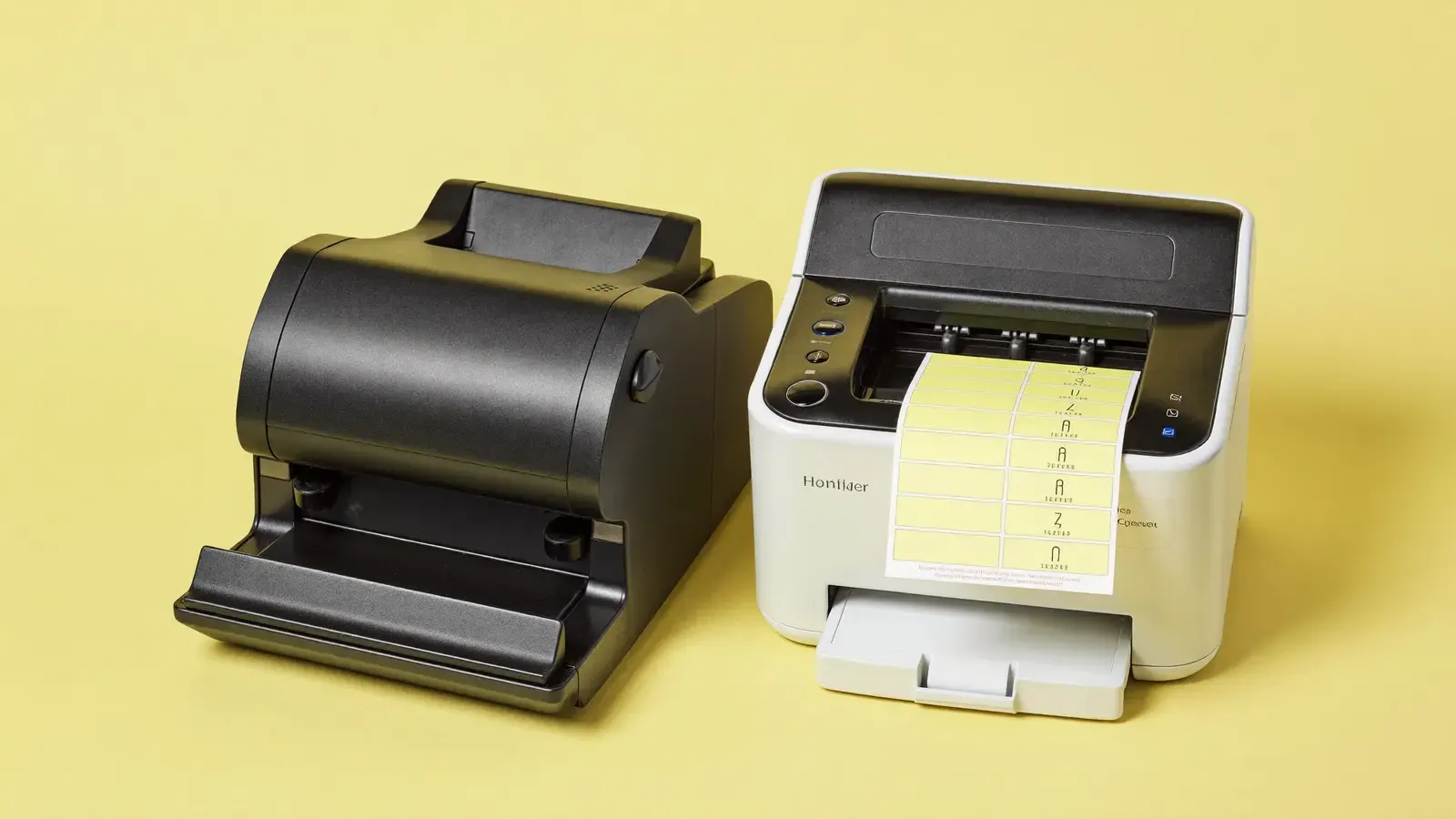
Thermal label printer
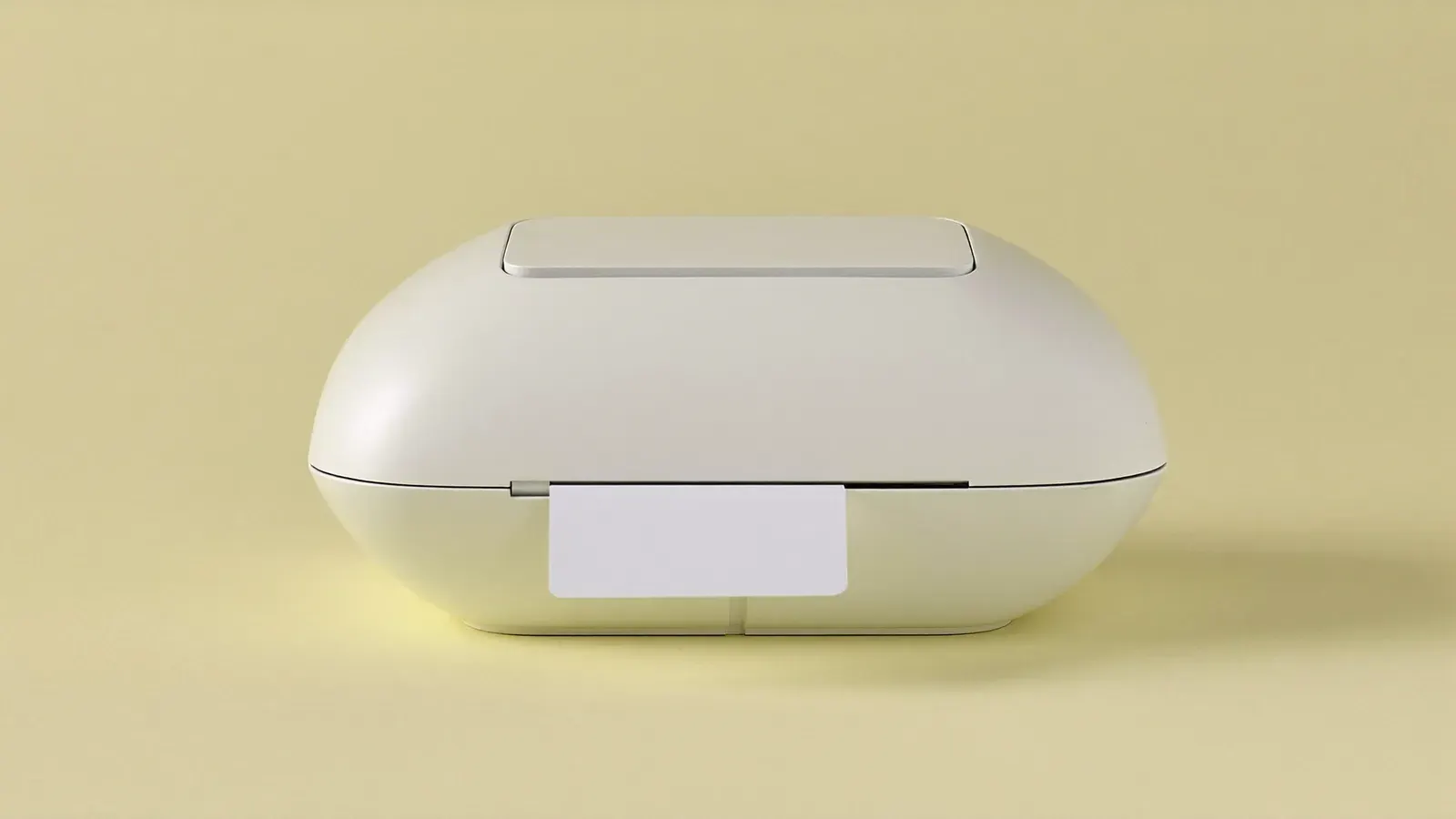
Typical price$60 to $100
See on Amazon
Inkjet printer and label sheets
Side by side
How they compare on packing and shipping.
- Upfront cost
- Thermal label printerTypically $60–$100 for the printer.
- Inkjet printer and label sheetsNothing extra if you own one; you only buy label sheets.
- Running cost
- Thermal label printerNo ink or toner; generic thermal labels are cheap.
- Inkjet printer and label sheetsInk cartridges plus sheets, and half-used sheets get wasted.
- Speed per label
- Thermal label printerA label comes out in a couple of seconds, ready to peel.
- Inkjet printer and label sheetsLoad a sheet, print, peel, then store the leftover half.
- Label size
- Thermal label printerTakes the standard 4 × 6 inch labels that marketplaces generate.
- Inkjet printer and label sheetsMost sites offer a letter-size layout with one or two labels per sheet.
- Durability in the rain
- Thermal label printerThermal print can fade with heat and sunlight over months, though it lasts the trip.
- Inkjet printer and label sheetsInkjet ink can smudge if the package gets wet.
- Desk space
- Thermal label printerA small extra box beside your packing area.
- Inkjet printer and label sheetsUses the printer you already have.
- Other printing
- Thermal label printerLabels only.
- Inkjet printer and label sheetsPrints invoices, packing slips and photos too.
| Thermal label printer · 2 | Inkjet printer and label sheets · 3 | |
|---|---|---|
| Upfront cost | Typically $60–$100 for the printer. | Nothing extra if you own one; you only buy label sheets. |
| Running cost | No ink or toner; generic thermal labels are cheap. | Ink cartridges plus sheets, and half-used sheets get wasted. |
| Speed per label | A label comes out in a couple of seconds, ready to peel. | Load a sheet, print, peel, then store the leftover half. |
| Label size | Takes the standard 4 × 6 inch labels that marketplaces generate. | Most sites offer a letter-size layout with one or two labels per sheet. |
| Durability in the rain | Thermal print can fade with heat and sunlight over months, though it lasts the trip. | Inkjet ink can smudge if the package gets wet. |
| Desk space | A small extra box beside your packing area. | Uses the printer you already have. |
| Other printing | Labels only. | Prints invoices, packing slips and photos too. |
Choose Thermal label printer if
- You send ten or more packages a week and print labels daily.
- You sell live on Whatnot or TikTok Shop and clear a batch of orders after each show.
- You spend more on ink for your home printer than you want to.
- You want to print each label the moment an order lands.
Choose Inkjet printer and label sheets if
- You sell a few things a month and want no new gear.
- Your home printer prints reliably and ink is not a problem.
- You also need paper invoices or gift notes in the same package.
The guide
Each step in the order you'll need it.
Where the money goes
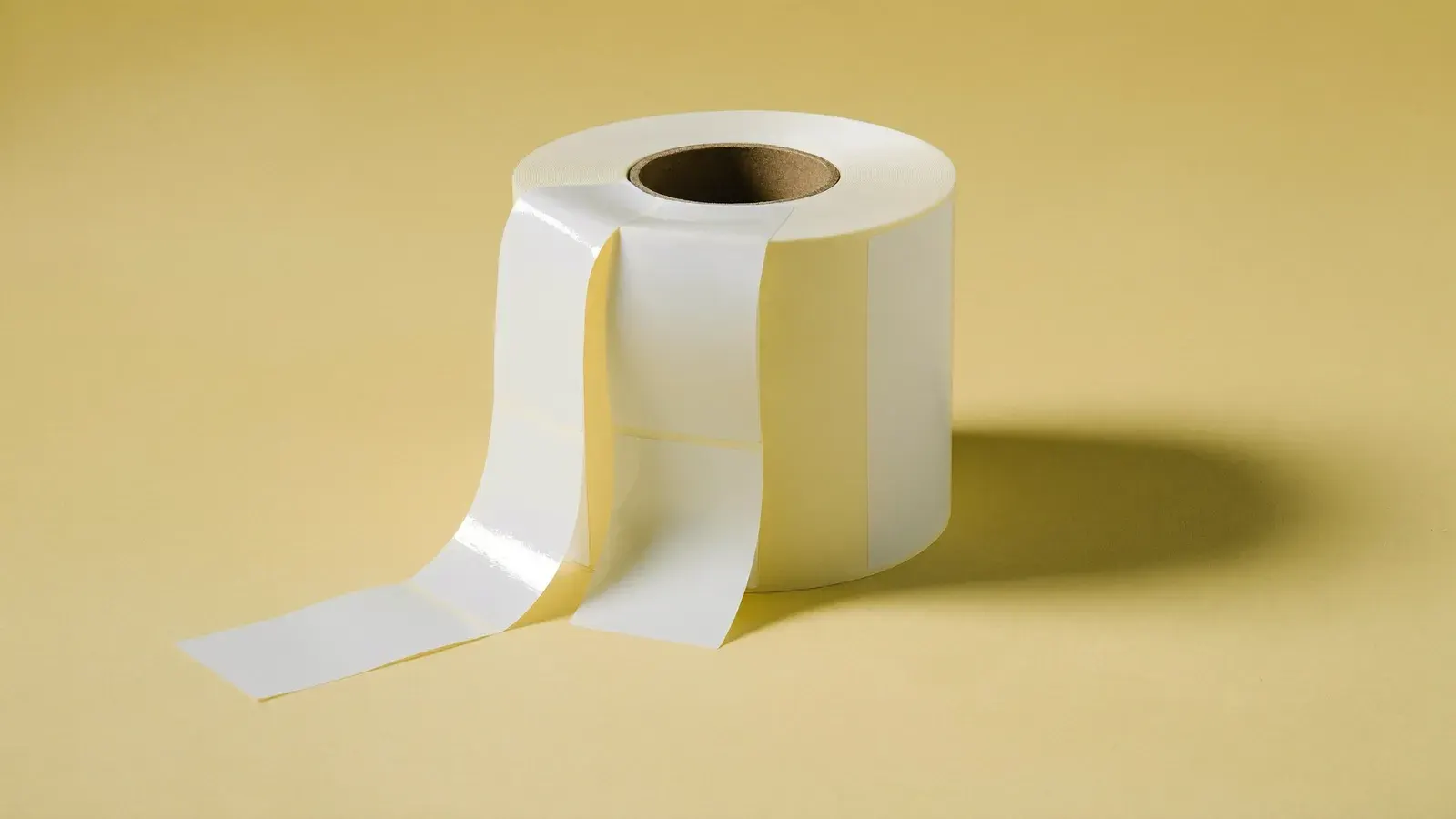
The thermal printer costs $60–$100 upfront, and after that you buy rolls or fanfold stacks of plain labels. There is no cartridge to replace, so the cost per label stays low however many you print.
An inkjet costs nothing new if it already works. The spend hides in ink, which runs out faster than you expect when you print a dark barcode on every package, and in label sheets where one half sits unused in a drawer.

Speed at the packing table
With thermal, you click print and peel. Batch-printing twenty labels after a weekend of sales takes a minute or two, and each label is the right size for the package without trimming.
With label sheets you line up the paper, choose which half to print on, then cut or peel. That is fine for three packages. At thirty it becomes the slowest part of your evening.
Switching later
You can start on the inkjet and move to thermal once orders climb. Your listings stay the same: you pick the 4 × 6 inch label format in each platform’s print settings instead of letter paper.
Keep the inkjet for paperwork after you switch. Packing slips, return forms and the odd thank-you card still need a normal printer.
Kit for this step
Questions
Straight answers to what sellers ask about this.
Do thermal printers need ink?
No. Direct thermal printers use heat-sensitive labels, so the only supply you rebuy is the labels themselves.
Can I print USPS labels from Pirate Ship on a thermal printer?
Yes. Pirate Ship lets you choose a 4 × 6 inch label format for thermal printers. Set it in your print settings before your first batch.
Will a thermal label fade before the package arrives?
Thermal print lasts well beyond a normal delivery. It fades over months in strong sun or heat, which matters for stored inventory labels more than for packages.
Are letter-size sheets with two labels a good size?
Two per sheet gives a label close to 5.5 × 8.5 inches, which fits most platform labels. Check the layout options on each platform you sell on.
Can a laser printer replace the inkjet here?
A laser printer works with label sheets made for laser and avoids smudging. You still have the sheet handling, so the speed gap to thermal remains.
Do I need a special app for a thermal printer?
Most connect over USB or Bluetooth and print from the PDF your platform gives you. Some need a driver installed once on your computer.